
AI Assertions
Overview
AI Assertion is an option available within the Add Assertion action.
It allows you to validate test conditions using natural language instead of classic assertions based on locators or fixed values.
Instead of asserting a single element, the AI evaluates the context provided by the selected Assertion Scope and determines whether the condition is met.
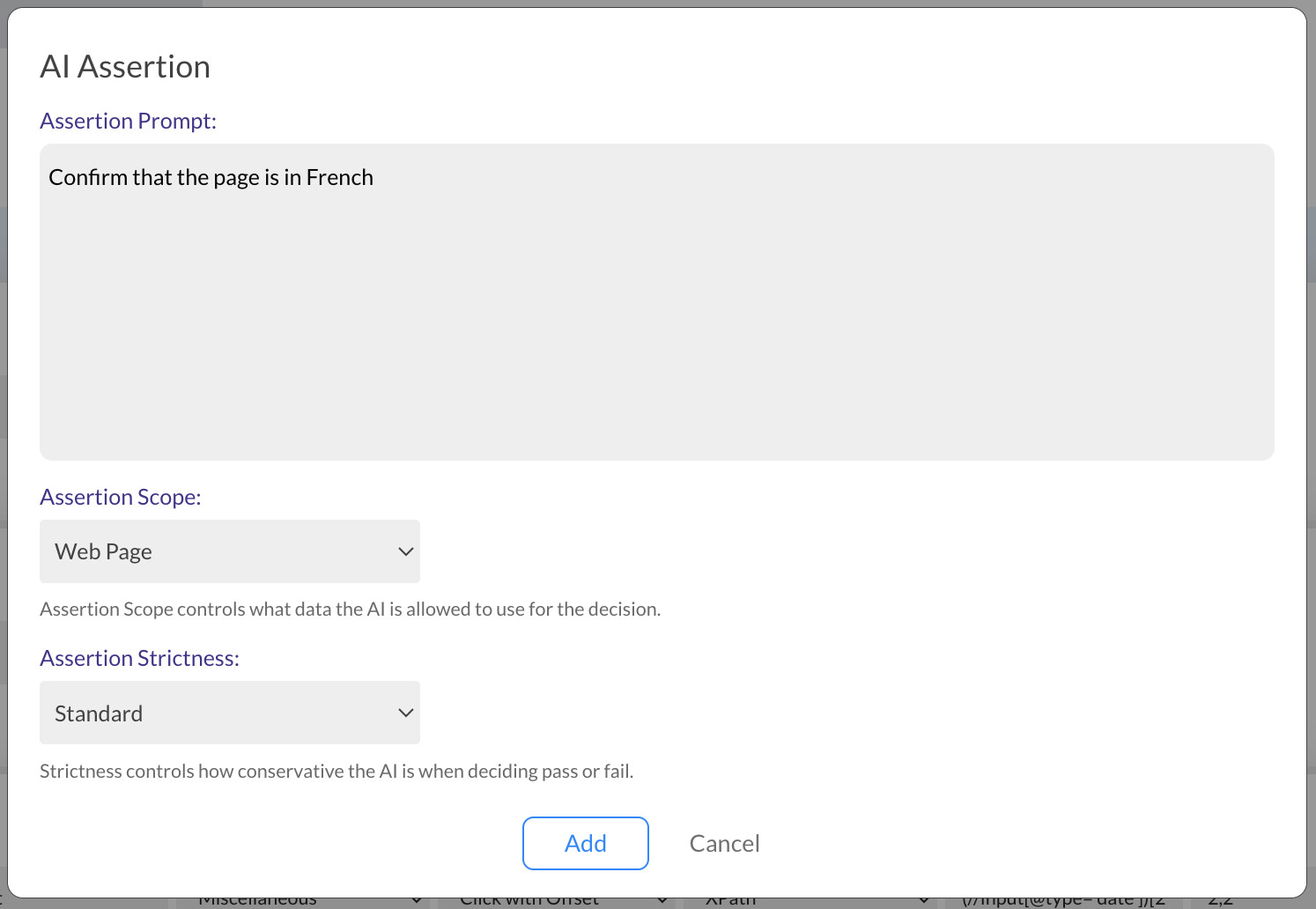
Assertion Scope Options
The Assertion Scope defines what information the AI can analyze. Only one scope can be selected per AI Assertion.
Web Tests
1. Web Page
When Web Page is selected, the AI processes:
- The current URL
- The full page source (HTML)
- A screenshot of the page
Example prompts:
Confirm that the page is in FrenchVerify that the visible page content is free of grammar mistakesCheck that the background includes a sports car
2. Cookies
Allows the AI to read and reason about browser cookies.
Example prompts:
Check that the cookies indicate an authenticated user sessionVerify the presence of a third-party tracking cookie from HubSpot
3. Variables
Allows the AI to inspect previously defined test variables.
Example prompts:
Check that the $products variable is an array with at least 50 itemsVerify that the total cost correctly includes VAT based on the listed product prices
4. Test Execution Logs
Allows the AI to analyze the execution logs generated so far.
Example prompts:
Verify that there are no warnings so farCheck that the test execution accessed at least 5 Wikipedia pages related to carsVerify that there was no Wait Until step that waited for more than 30 seconds
Mobile Tests
For Mobile Tests, web-specific scopes are replaced with App Screen.
1. App Screen
When App Screen is selected, the AI processes:
- The app screen source
- A screenshot of the current screen
Example prompts:
Verify that the screen shows only pictures of dogsConfirm that this section is showing only books related to chemistryVerify that the map has loaded
Assertion Strictness Levels
Each AI Assertion allows you to control how strictly the condition is evaluated.
Strict The condition must be clearly and unambiguously true. Best for critical validations.
Standard Balanced interpretation with minor flexibility. Recommended for most tests.
Lenient Allows partial matches and ambiguity. Useful for unstable environments or early testing stages.