
Kobiton
Steps
Necessary if you want to execute your Mobile Tests on real devices from Kobiton.
- Go to your Kobiton account.
- If you don't have a Kobiton account, you can just sign up for a
Free Trial. - Go to the
Profilesection from Kobiton and get yourUsername. - Go to the
Settingssection from Kobiton and get yourAPI Key.
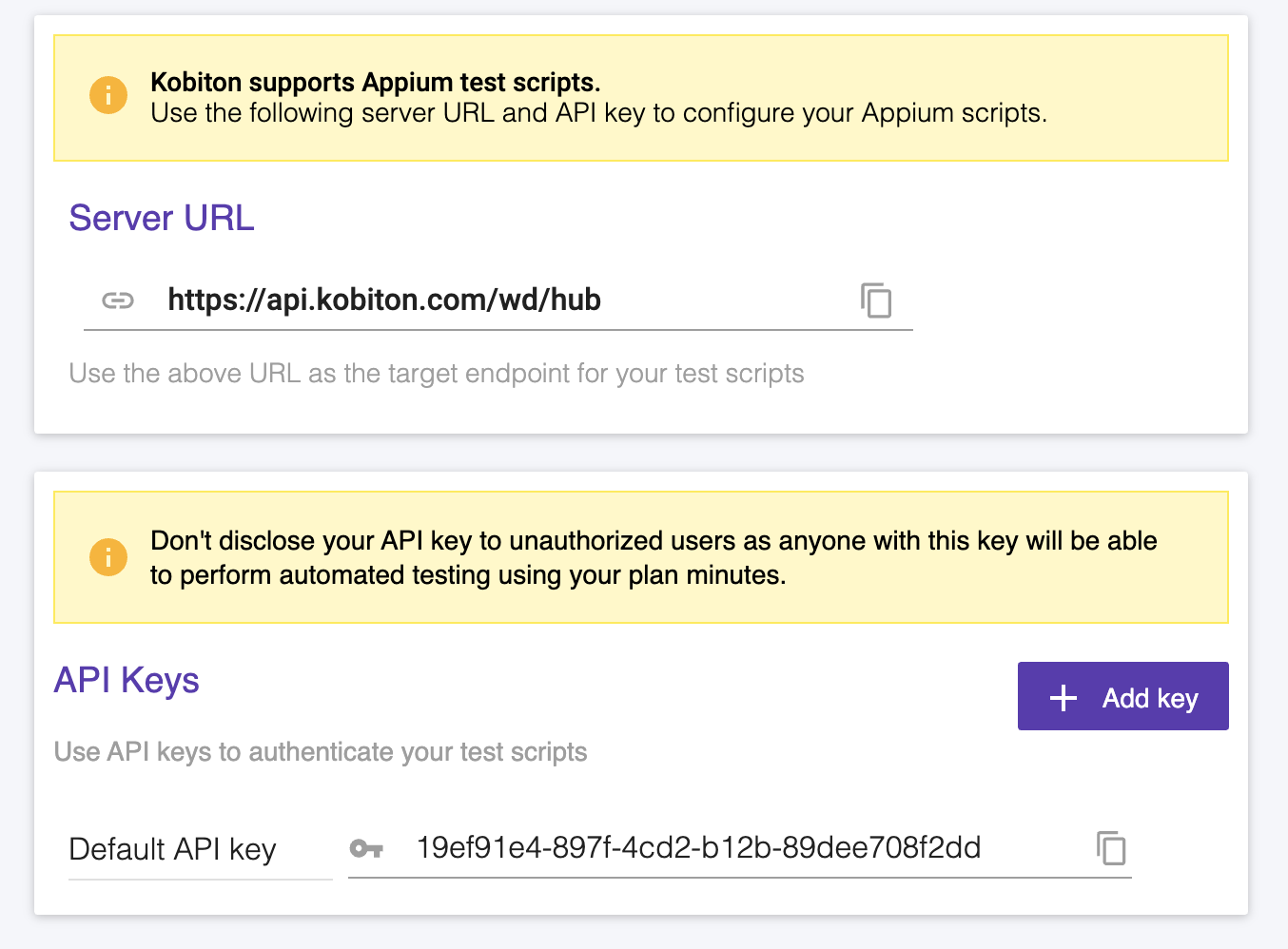
- Go to the Settings page from Endtest.
- Go to the
Integrationstab. - Add the
UsernameandAPI Keyfrom Kobiton. - Click on the
Savebutton.
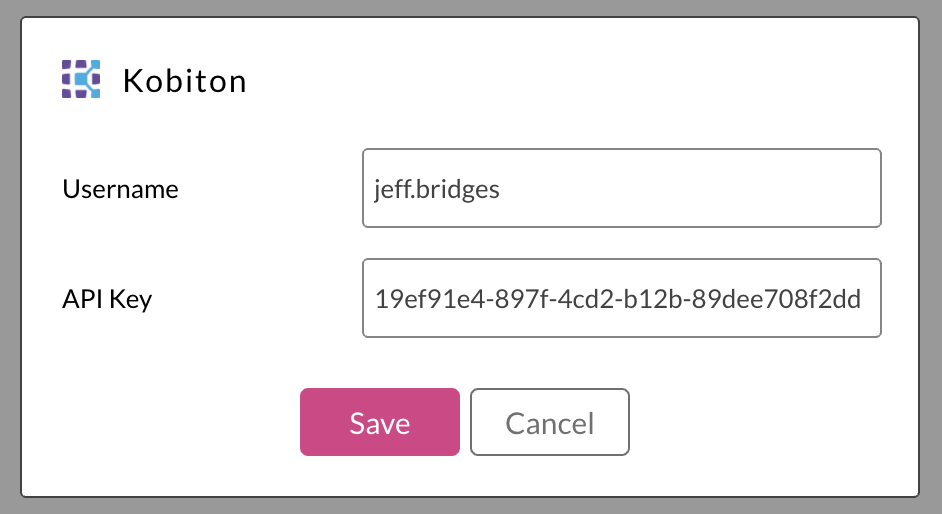
You can find more details about using Endtest with Kobiton in the How to create Mobile Tests and How to execute Mobile Tests chapters.